
The guide directory
Fixes, settings and useful bench gear
Got a messy print? Begin with what you can actually see, follow the filament path, and only then reach for a slicer control. Every guide keeps the maker documentation close and the guesswork labelled.
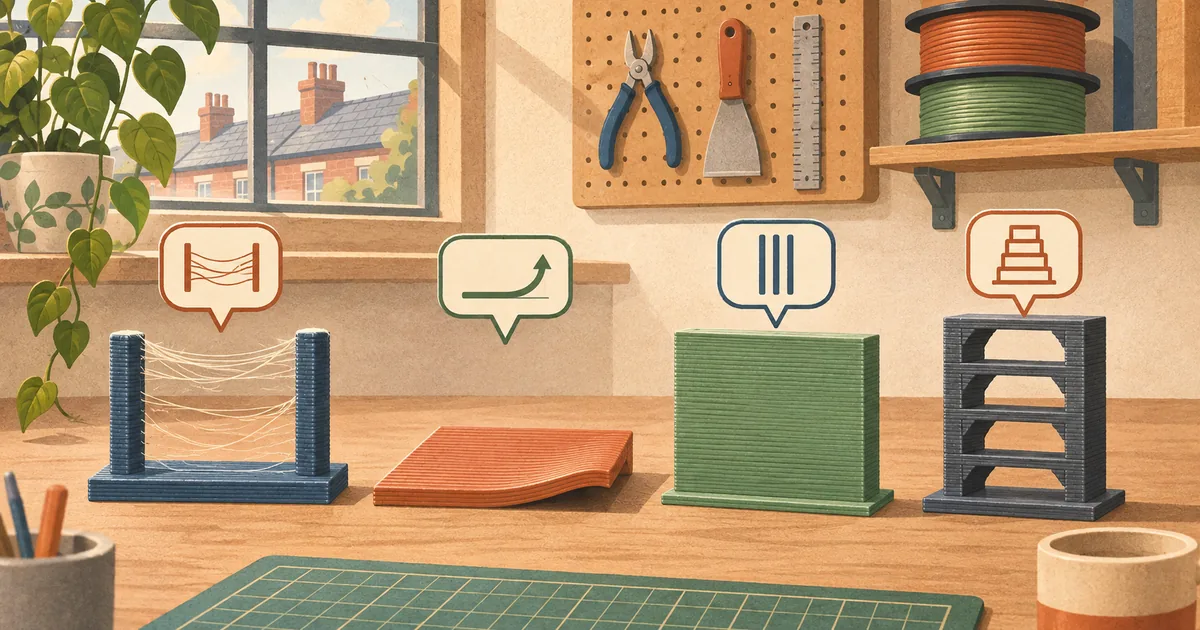
Fine hairs between features usually point to temperature, retraction, travel or damp filament. Change one variable at a time, starting from a known printer profile.
TroubleshootingStop warping and poor bed adhesionSeparate a bad first layer from later thermal warping, then fix the plate, Z height, air, cooling and part geometry in that order.
TroubleshootingUnder-extrusion and clogged nozzles: a calm diagnostic orderMissing lines can come from an obstructed nozzle, feed resistance, a slipping drive, excessive speed or a first layer that is too close.
TroubleshootingLayer shifts, ringing and Z-banding: tell them apartRead the shape, direction and repetition of a wall defect before changing belts, acceleration or the Z-axis.
Nozzles and toolsBest hardened-steel nozzles: a UK compatibility checklistThe best wear-resistant nozzle is the one that fits the hotend, suits the filament and has a profile you can tune. Thread, length and thermal behaviour matter.
Nozzles and toolsBest 3D-printing tool kits: build a safer benchA useful kit is a small set of correctly sized tools, measurement gear and protective equipment—not a crowded case of vague accessories.
Design and finishingBest heat-set insert tools for printed partsChoose controlled heat, a piloted tip and square guidance, then design the printed boss around the insert maker's hole data.
MaterialsBest filament for functional parts: choose by failure modeThere is no universal functional filament. Choose for heat, impact, stiffness, chemicals, UV exposure, flexibility and what your printer can process safely.
Slicers and calibrationOrcaSlicer vs PrusaSlicer vs CuraCompare printer profiles, calibration, support controls and preview workflow before moving a known project between OrcaSlicer, PrusaSlicer and Cura.
Design and finishingBest deburring and finishing tools for FDM printsMatch cutters, scrapers, files and abrasives to the mark you need to remove, with dust and blade safety built into the sequence.
Slicers and calibrationSupports, infill and walls: spend material where it worksFor many functional parts, orientation and shell design matter more than simply pushing infill towards 100 per cent.
Design and finishingDesign tolerances and orientation for useful printsFit is a printer–material–profile result. Use coupons, orient around the load and make clearances intentional instead of copying one universal number.